Recommended: REA, reverse engineering with your agent
Everyone is talking about REA, and it's worth the noise: you see a feature in an app and ask your agent to figure out how it works, without the source code.
 Gabriel Souza
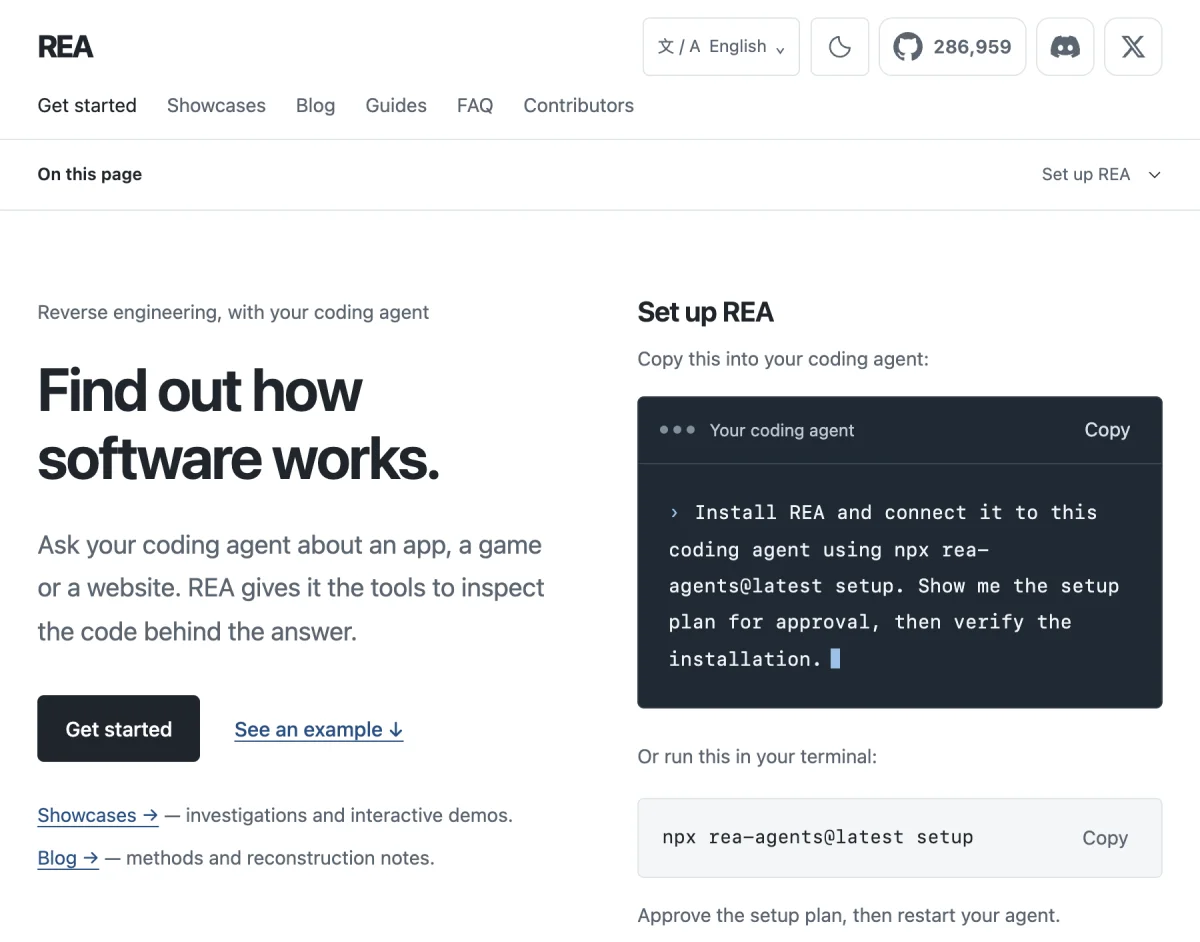
Everyone is talking about REA (Reverse Engineer Anything), an open source project by morluto, and it's worth the noise. The pitch fits in one sentence: you see a feature in someone else's app and ask your agent to figure out how it works, without the source code, with evidence for every conclusion. It installs an MCP server and a skill that teaches the agent to pick the right tool for each target (an Electron app, a website, a native binary), and everything runs on your machine. I installed it and the first test already taught me something: Linear's desktop app is mostly a shell, and the interface comes from the website. Two cautions. Pin a version when you install it, instead of letting the agent pull the latest one on its own. And use it to understand, not to copy: explaining how something works is learning, publishing someone's decompiled code isn't.